Published on October 4, 2026 · 10 min read
Best Apps to Learn Trading: What Each Type Trains and How to Pair Them
Broker demos, charting apps with paper trading, courses, flashcards and tournament games: what each kind of app really teaches, which two to combine and a four-week plan you can run on your phone.
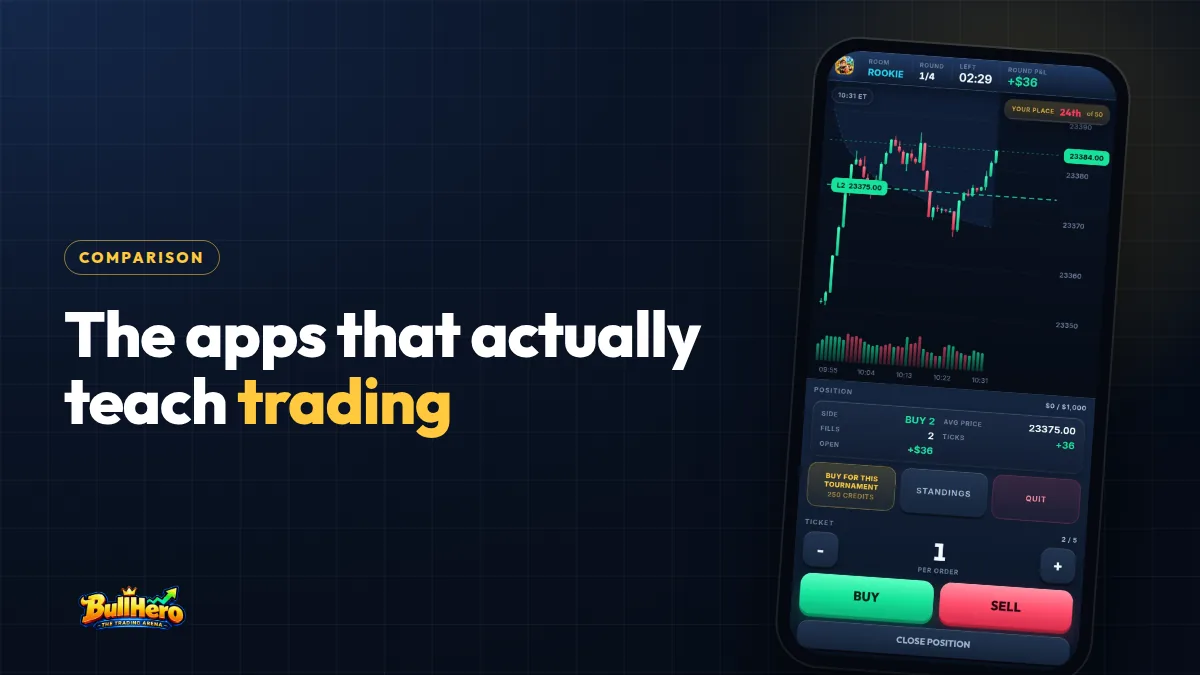
The best apps to learn trading come in five types: broker demo apps, charting apps with paper trading, course apps, quiz and flashcard apps, and trading games or simulators. No single app covers everything. Each one trains a specific skill and leaves a gap, so what works is a pair of apps that cover each other's weak point. Here is what each type trains, a comparison table and a four-week routine for your phone.
In short
- Learning to trade is four skills: knowledge, chart reading, execution and sizing. Each app type trains one or two.
- A broker demo with a fake 50,000-dollar balance teaches position sizes you could never use. Match it to your real deposit.
- Pair one app that tells you what to do with one that makes you do it against the clock.
- Judge the month with three numbers: trades taken, rule kept, average result in R.
What a trading app can teach you, and what it cannot
Learning to trade is really four skills, and each one is trained differently:
- Knowledge: what a tick is worth, how a limit order fills, what margin means. You learn it by reading and testing yourself.
- Chart reading: levels, trend versus range, where the session high sits. You learn it by watching hundreds of sessions.
- Execution: clicking in, placing the stop at once, getting out without hesitating. You learn it by repetition with a clock running.
- Sizing: working out how many contracts the stop allows. You learn it when a limit actually stops you.
A phone can train all four, but it is a poor screen for live money. You see 40 to 60 candles instead of 200, and your thumb covers the price you are trying to read. The guide to stock market games that work on a phone explains which formats survive a small screen and which do not.
The best apps to learn trading, by type
Sorted by what they train rather than by store ranking, almost every app you will find falls into one of five groups.
1. Broker demo apps
Real platform, live quotes, fake money. Nothing beats a demo for learning the tool you will later use: where the order ticket is, how a bracket is attached, how margin is displayed.
The trap is the starting balance. Many demos open with 50,000 virtual dollars or more. Two ES contracts with an 8-point stop risk 2 × 8 × 50 = 800 dollars, which is 1.6% of that demo and feels careful. On a real 4,000-dollar account the same trade risks 20% of the account. If the app lets you change the balance, set it to the amount you will actually deposit. If not, log each trade's risk as a percentage of your future account.
And because mistakes cost nothing, many demos end up abandoned or played like a slot machine.
2. Charting apps with paper trading
Analysis platforms with a built-in simulated trading mode. TradingView, for example, has a Paper Trading mode that lets you open practice positions on the same chart where you draw your levels. For chart reading, this type is the strongest.
Its weak point is execution realism. If a paper engine fills you at the last traded price instead of buying at the ask and selling at the bid, it hands you the spread for free. On ES the spread is usually one tick in liquid hours, 12.50 dollars per contract on every round trip. Over 80 practice trades that is 1,000 dollars of cost the app never charged you, before commission. Check how your app fills before you trust its P&L. The basic charting is often free; real-time futures data is often a paid add-on.
3. Course and education apps
Lessons and videos in a set order: what a future is, how leverage works, what VWAP measures. Their weak point is that they are passive. Twenty hours of video do not equal one trade taken while price is moving.
A simple test: after each lesson, can you name one thing to practise today? If every module ends with an offer for a paid signal room, a mentorship or a specific broker, the course is a sales funnel. Typical cost: free with an upsell, or a subscription.
4. Quiz and flashcard apps
Quizzes and spaced-repetition decks, built in Anki or similar apps, fix the facts you need to know without thinking. Cards worth having on day one:
- One ES tick is 0.25 points and 12.50 dollars. One MES tick is 1.25 dollars.
- A market order buys at the ask and sells at the bid.
- Risking 1% of 4,000 dollars with an 8-point stop on MES: 40 ÷ (8 × 5) = 1 contract.
Knowing a definition is not applying it with the clock running, so flashcards are a supplement, never the main app.
5. Trading games and simulators
This group covers slow portfolio leagues (pick stocks, check back in a week), chart replay simulators and fast tournament games. The useful ones share three features: realistic fills, time pressure and a loss limit that actually ends your session.
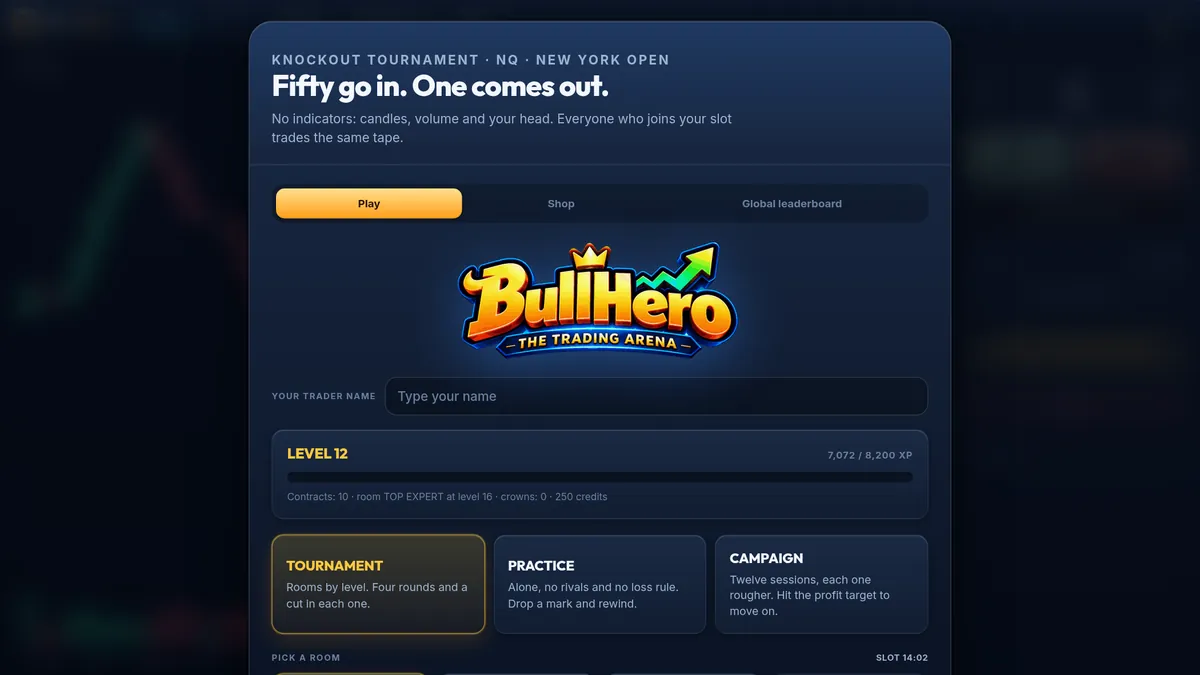
BullHero is one entry here, built as a tournament. Fifty traders enter, a mix of real people and rivals run by the game, and four knockout rounds take about eleven minutes. The price tape is synthetic and imitates the Nasdaq 100 future at the New York open, with macro releases and liquidity sweeps, and everyone in the same time slot trades the same candles. It runs in the browser and, since October 2026, on the App Store and Google Play. Its weak points: prices come from a mathematical model, and play money does not train the fear of losing your own. For a checklist that separates a useful simulator from a decorative one, see what a trading simulator needs to have.
Trading apps for beginners compared: what each trains and what it costs
| Type of app | What it trains | Weak point | Cost model |
|---|---|---|---|
| Broker demo | The real platform and order types | Unrealistic balance, no consequences | Free; the broker hopes you deposit |
| Charting with paper trading | Chart reading, levels, alerts | Fills can be cleaner than real ones | Free tier, paid data and features |
| Courses and education | Concepts in a logical order | Passive; often sells something else | Free with upsell, or subscription |
| Quizzes and flashcards | Facts you must know instantly | No decisions with price moving | Free or a small one-off price |
| Games and simulators | Execution, timed decisions, loss limits | Simulated prices, no own money at stake | Free, sometimes with in-app purchases |
The weak point of each type is exactly what another type trains. The demo has no consequences and a tournament does; a game uses modelled prices and a charting app uses live ones.
Which is the best app to learn trading for a beginner?
The one that attacks the mistake you make today, plus a second app that covers its weak point. To choose the pair:
- Write your main mistake in one sentence: "I enter late", "I skip the stop", "I size too big".
- Find the type in the "What it trains" column that fixes it. That is your main app.
- Add the type that covers its weak point and delete the others from your phone for a month.
Pairs that work for common profiles:
- Complete beginner: flashcards plus a game or simulator.
- Good at analysis, freezes on the click: charting app plus fast tournaments.
- Opening a live account in two or three months: broker demo plus a simulator.
- Losing on size, not direction: sizing flashcards plus a demo set to your real balance.
Both apps should practise the same rule. If one trains entries and the other trains exits, you will not know which improved. If you are choosing between games, our review of trading simulator games goes through them one by one.
A four-week routine to learn trading on your phone
Twenty minutes a day, five days a week. Each week has one target; miss it and you repeat the week.
- Week 1, facts and one rule. Ten minutes of flashcards, ten of solo practice. The rule: the stop goes in the moment you are filled, never later. Target: 30 trades with a stop from the first second.
- Week 2, levels. In the charting app, mark the previous session's high and low on NQ and paper trade only near them. Target: 20 trades with the level written down before the entry.
- Week 3, pressure. A few campaign sessions, then two tournaments a day in the entry room. After each round, write three lines: where you entered, what took you out, whether you broke the rule. Target: no round lost by hitting the maximum loss.
- Week 4, real size. Broker demo with the balance you plan to deposit, say 4,000 dollars. One MES contract with a 12-point stop risks 12 × 5 = 60 dollars, or 1.5%. Repeat the week 1 rule. Target: 20 trades without moving a stop further away.
At the end, compare week 1 with week 4 on three numbers: trades taken, percentage of trades where the rule was kept, and average result in R (profit or loss divided by the amount risked). One month says nothing about a strategy. It does show whether your discipline changed.
Week 1 fits into a ten-minute practice slot. BullHero's Practice mode is solo, with no rivals: place the stop the moment you are filled, count how often you do it, on the browser or the app.
Start practisingRed flags: signs a trading app will teach you nothing
Delete the app if you see any of these in the first ten minutes:
- It celebrates every trade with confetti, streaks or badges for volume. Rewarding activity trains overtrading. The US SEC opened a public consultation on these "digital engagement practices" in 2021.
- It asks for a deposit before you can try anything.
- It promises returns or shows other users' profits as proof.
- It fills at the exact price on screen, with no spread and no commission.
- It keeps no trade history, or its main feature is copying someone else's signals.
More examples are in the guide to free trading games that actually train you. When you move to real money, check that the broker is authorised by your regulator (the SEC, FINRA or the CFTC and NFA in the US, the FCA in the UK, SEBI in India, ASIC in Australia). Leverage limits and account minimums differ by country and by product.
Frequently asked questions
Can you learn trading using only your phone?
You can learn the concepts, the sizing maths and basic execution on a phone, in short daily sessions. What a phone does badly is context: you see few candles and your thumb hides the price. A sensible split is to practise on the phone during the week and review your trades on a larger screen once a week.
How do free trading apps make money?
Broker demos hope you open a funded account, charting apps charge for data and advanced features, course apps sell programmes or signals, and games sell optional extras. None of these models is bad in itself. What matters is that the business does not depend on you trading more often or losing more money.
How many practice trades should I take before trading real money?
There is no official number. Count trades, not weeks: at least a hundred with the same rule, at the size you would use live, with the stop respected in nearly all of them. If you broke the rule more than two or three times in the last fifty, you are not ready, even if the balance went up.
BullHero is a game played with play money on prices generated by a mathematical model; it is not a broker and gives no access to real markets. This article is for education only and is not financial advice.
Sources
- SEC, Request for Information and Comments on Broker-Dealer and Investment Adviser Digital Engagement Practices, 2021
- CME Group, Micro E-mini S&P 500 Futures: Contract Specifications, 2019